You dial in the perfect settings, run a beautiful design, and then—ruined. Smoke stains, soot haze, char marks around fine details, or that “honeycomb” pattern burned into the back of your piece. If you’ve ever lost a project at the finish line, you’re not alone.
At Donlee, we engineer precision adhesive films and tapes used in demanding industrial environments—where “close enough” isn’t acceptable. The same principle applies to laser work: a professional-grade, laser-rated protective film is often the “secret weapon” behind crisp, clean edges and a premium finish.
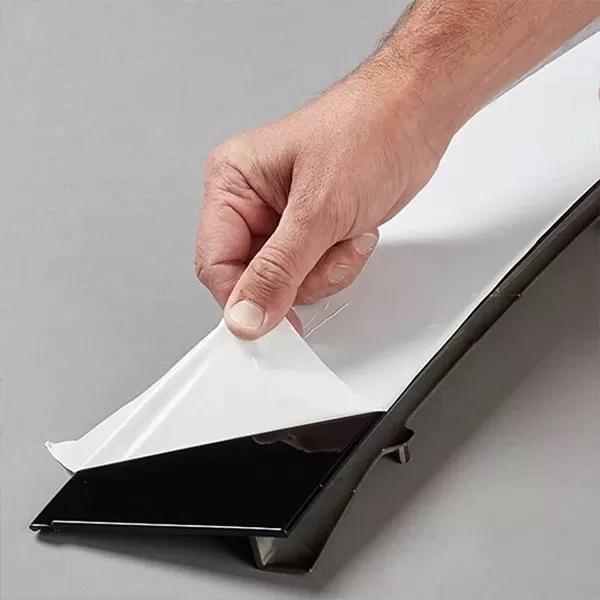
Laser engraver protective film is a thin, laser-compatible masking layer applied to the surface of a material before engraving or cutting. Unlike generic masking methods, laser-rated film is designed to:
Withstand brief, high-heat exposure
Peel cleanly without shredding
Reduce smoke staining and residue
Maintain stable adhesion during airflow and cutting
Many makers start with paper masking tape—and it can work in some cases. But specialized laser-rated film is typically:
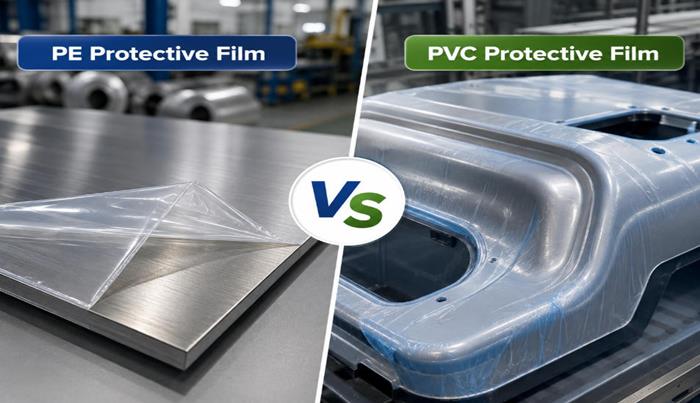
PE-based (polyethylene) for clean removal and reliable performance
PVC-free to avoid hazardous fumes and protect equipment
Engineered for laser workflows, including alignment and post-process cleanup
Expert Tip (Safety + Machine Longevity): Avoid PVC-based films. Under laser heat, PVC can release corrosive and toxic byproducts (including chlorine-related compounds), which is bad for operators and can accelerate damage to machine components.
Protective film isn’t just “nice to have.” It directly impacts quality, yield, and rework time.
Film acts as a sacrificial top layer, catching soot and condensate so your material stays cleaner—especially around engraved fills, tiny lettering, and photo engraves.
When cutting on a honeycomb bed, heat and smoke can reflect and mark the backside of the workpiece. Masking the back (or using film) helps reduce those “grid” impressions.
Wood grain, brushed metals, acrylic gloss—finishes get damaged by fingerprints, rub marks, and cleanup scrubbing. Film helps keep surfaces pristine from setup through shipping.
If you want consistent results (and fewer surprises), follow this process.
Surface preparation
Wipe the material so it's dust-free and dry. Debris under the film creates bubbles, reduces adhesion, and can affect engraving consistency.
Smooth application (no bubbles)
Apply the laser engraver protective film from one edge and use a brayer or squeegee to press it down gradually.
Why it matters: air pockets can cause inconsistent focus, uneven engraving, or localized scorching.
Power & speed adjustments
Because you’re adding a thin layer, you may need to increase laser power slightly (about 1–3%) or slow speed marginally to maintain the same cut/engrave depth.
Tip: Always run a small test grid—especially when switching film thickness.
The clean peel (post-engraving)
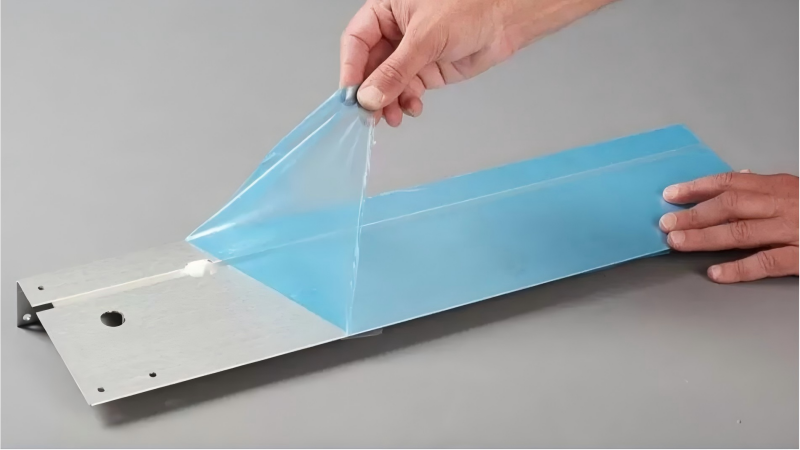
Let the workpiece cool briefly, then peel the film back at a low angle (close to the surface). This technique reduces the chance of lifting delicate fibers in wood or leaving adhesive behind.
For intricate designs (tiny text, detailed line art), you can “weed” film remnants using:
A plastic scraper (gentle on finishes)
High-tack tape pressed onto the surface and lifted to grab small islands of film
This is especially useful when you want the engraved recess exposed but prefer the surrounding surface protected during finishing.
Not all films behave the same—adhesive strength, thickness, and transparency matter.
Low-tack: safer for delicate veneers or soft woods (reduces fiber lift)
High-tack: helpful on porous or dusty plywood faces where low-tack may lift during airflow
If you frequently paint-fill engravings, film also makes cleanup dramatically easier: peel away overspray instead of sanding.
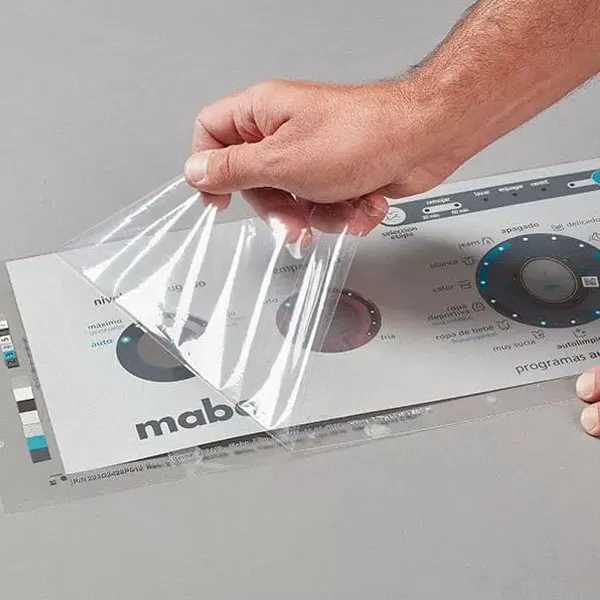
Transparent film can be a major advantage for alignment, especially for multi-pass jobs, jig setups, and precise placement.
Consider masking both sides when cutting to reduce flashback marks and haze on the underside.
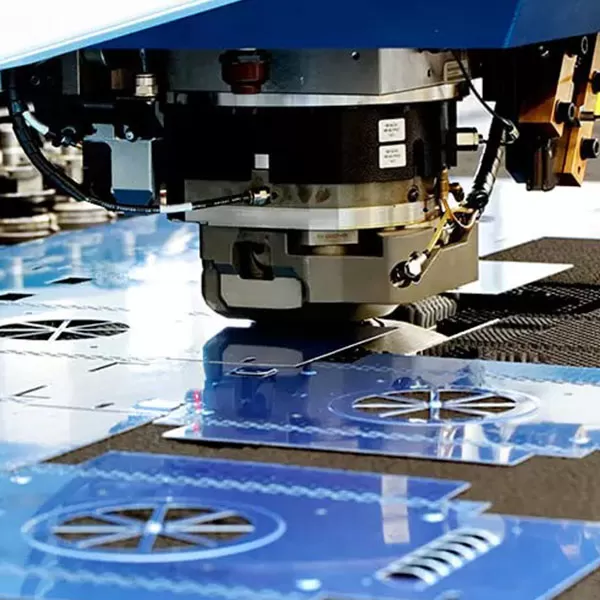
Donlee’s laser cutting films are engineered for heat resistance and clean removal, helping prevent melt-in and sticky residue during laser exposure. Explore options here: Donlee’s specialized laser cutting films
| Feature | Paper Masking | Donlee PE Protective Film |
|---|---|---|
| Heat behavior | Can scorch, can trap smoke | Designed to handle brief heat exposure |
| Visibility/alignment | Often opaque | Often transparent for easier placement |
| Residue risk | Can leave adhesive or tear | Engineered for cleaner peel/removal |
| Edge cleanliness | Good in some wood jobs | Consistent surface protection, cleaner finish |
| Best use case | Simple wood engraving | High-finish, production, mixed materials |
Avoid PVC in laser workflows. If you don’t know what a film is made from, don’t put it in the beam path.
Too much masking coverage—especially with poor ventilation—can increase smoke accumulation. Use proper exhaust settings, keep optics clean, and mask only where it adds value.
If the film lifts during cutting/engraving, you can get:
Scorched edges
Fuzzy engraving boundaries
Inconsistent depth
Fixes include better cleaning, switching tack level, or applying with a firmer squeegee method.
In our internal testing at the Donlee facility, we found that applying protective film with a felt-tipped squeegee dramatically reduced trapped air pockets compared to hand-pressing—leading to more consistent engraving quality and fewer rework pieces on detailed patterns.
If you’re cutting, masking the underside can help reduce flashback/honeycomb marks. For engraving-only jobs, top-side masking is usually the priority.
Any material can ignite under the wrong conditions (poor focus, excessive power, stalled motion, inadequate airflow). That said, laser-rated PE films are designed for controlled laser exposure. Always supervise jobs, keep your machine clean, and use appropriate settings and ventilation.
It can. Because the beam interacts with a thin layer first, you may need small adjustments—typically +1–3% power (or equivalent) depending on film thickness, material, and your lens/focus setup.
The difference between a “hobbyist” result and a professional finish often comes down to surface protection. A proper laser engraver protective film helps you control soot, reduce flashback marks, and protect the material you’ve already invested time and money into.